
Universal Dual 4K KVM Docking Station
Roll over image to zoom in
د.إ 699.00
| Dimension | 180mm x 80mm x 20.5mm |
| Material / Color | ABS Housing / Black |
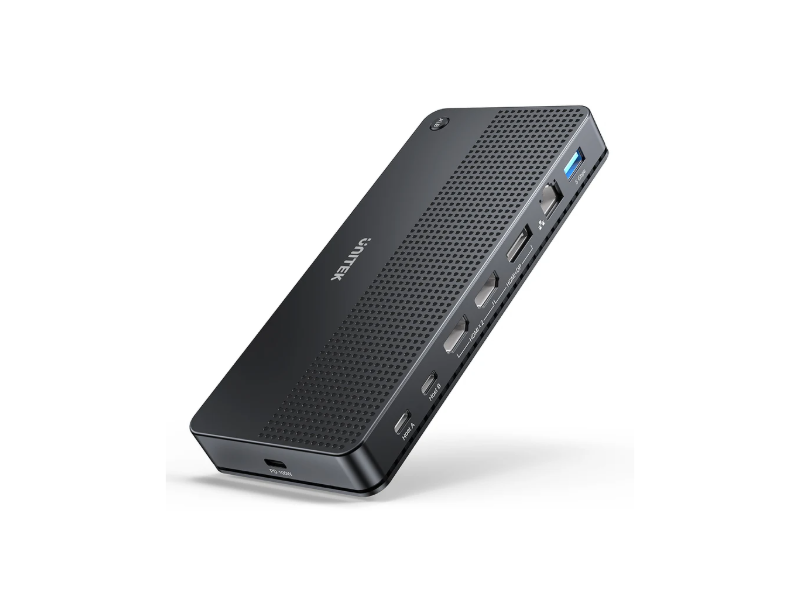
| Video Output | 2 x HDMI 2.0 + 1 x DP 1.2 |
| Laptop Host Compatibility | USB4, Thunderbolt 4/ 3, USB-C |
| USB-A (With the use of Type A to Type C Cable) | |
| Operating System | Windows 7/ 8/ 8.1/ 10/ 11 (32/ 64bit)/ Mac OS 10.6 or |
| above/ Chrome OS/ Android/ Ubuntu | |
| Cable Length | 100cm + 30cm |
| Upstream | USB-C 10Gbps |
| P/N | D1103A01 |
About The Item:-
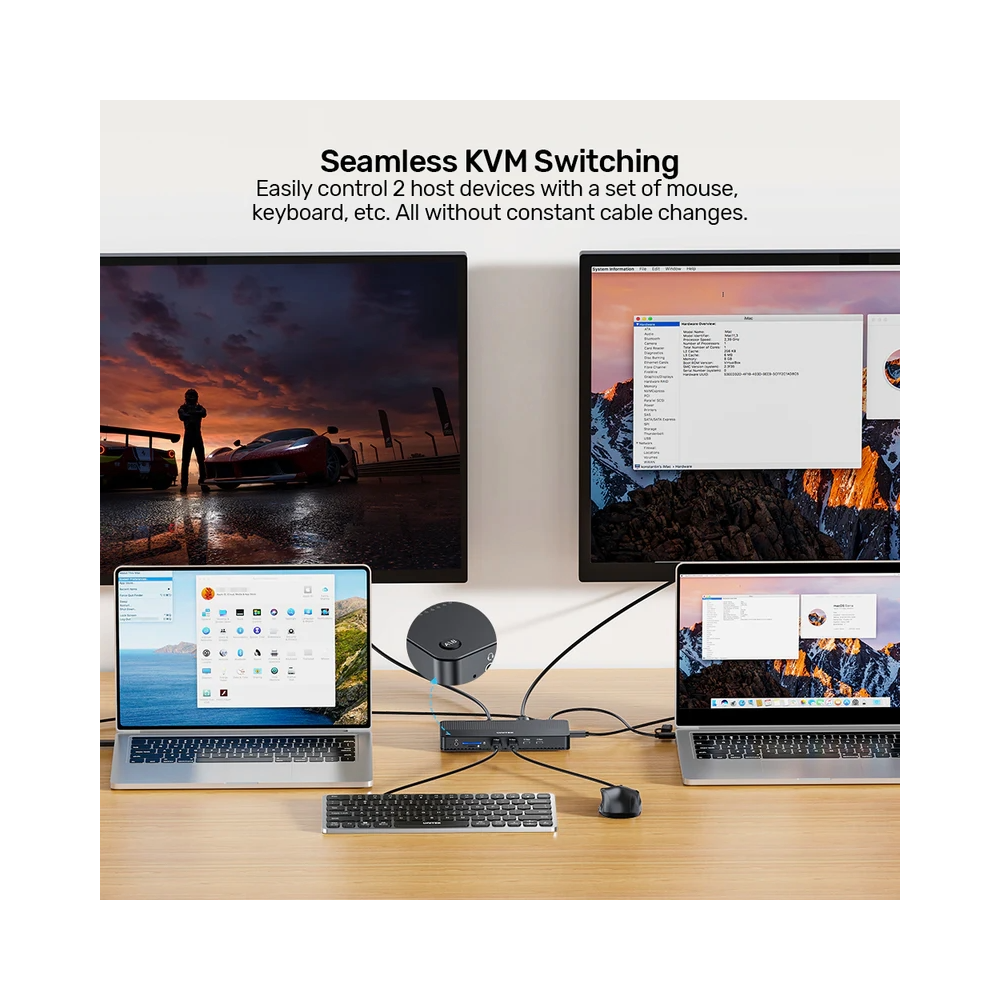
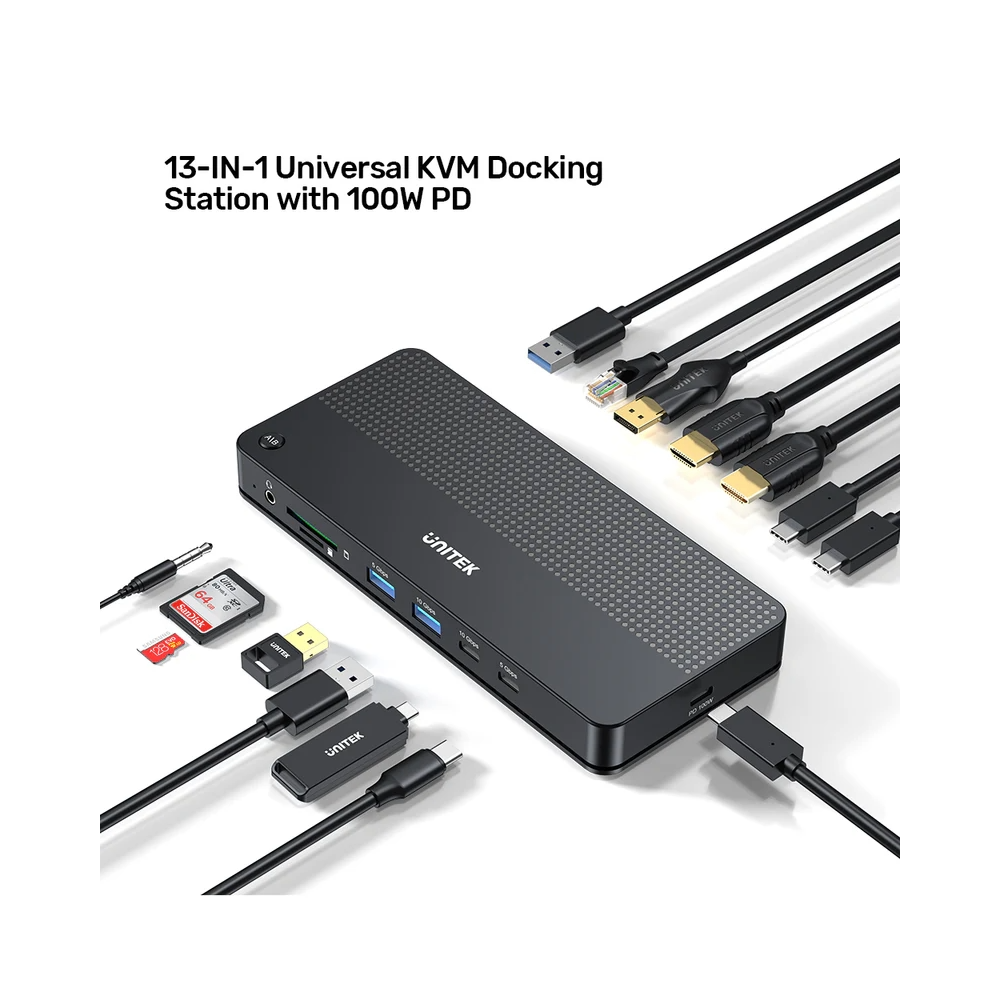
UNITEK Universal Dual 4K KVM Docking Station with 100W Power Delivery allows you to control two computers using 1 set of mouse, keyboard. With the use of USB-A to USB-C Cable (Comes along with packaging), this docking station is also compatible with USB Type-A host.
- Convenience: Control two computers with one mouse, keyboard, and monitor. Switch quickly between two PCs with a press of the button.
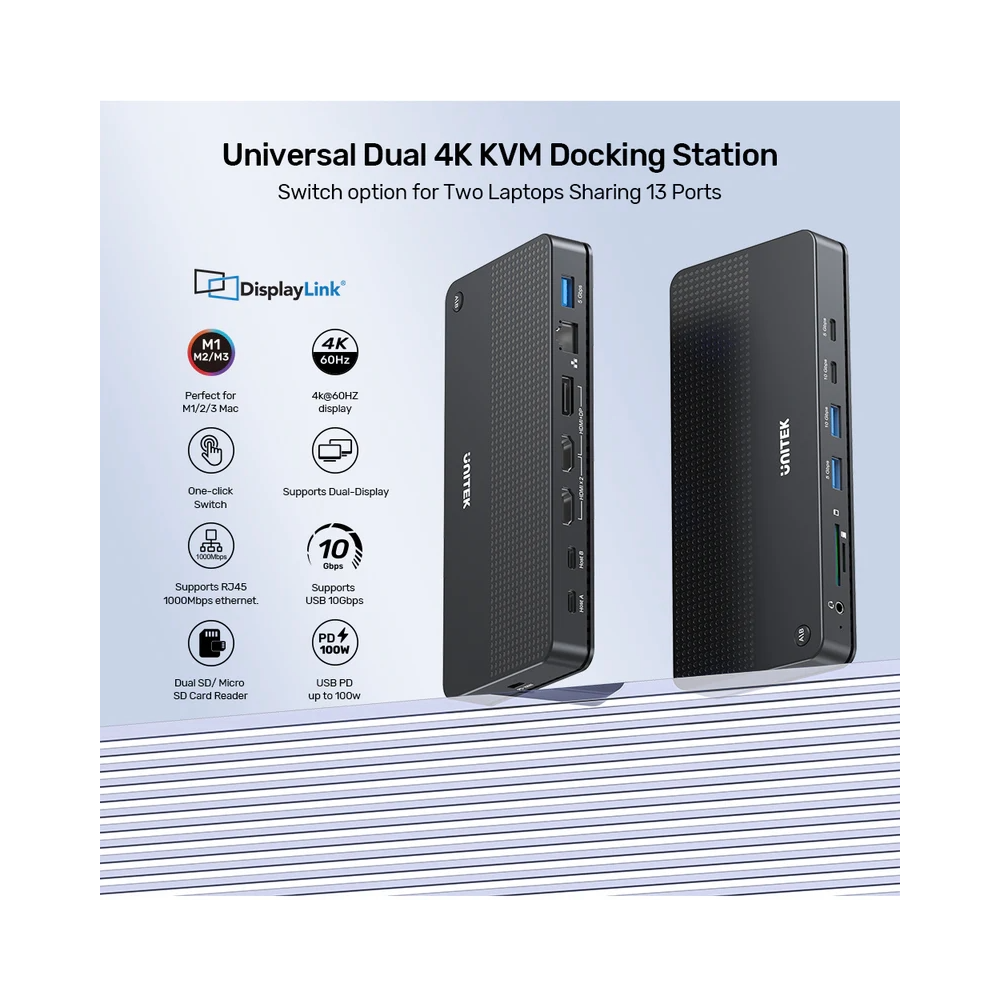
- 4K Ultra-Clear Display: UNITEK Universal Dual 4K Switch Docking Station adopts three video output interfaces, single output resolution up to 4K@60Hz. Dual output supports HDMI*2 or HDMI+DP (Both up to 4K@60Hz), MST supported. Perfect for programming, stock trade, design usage.
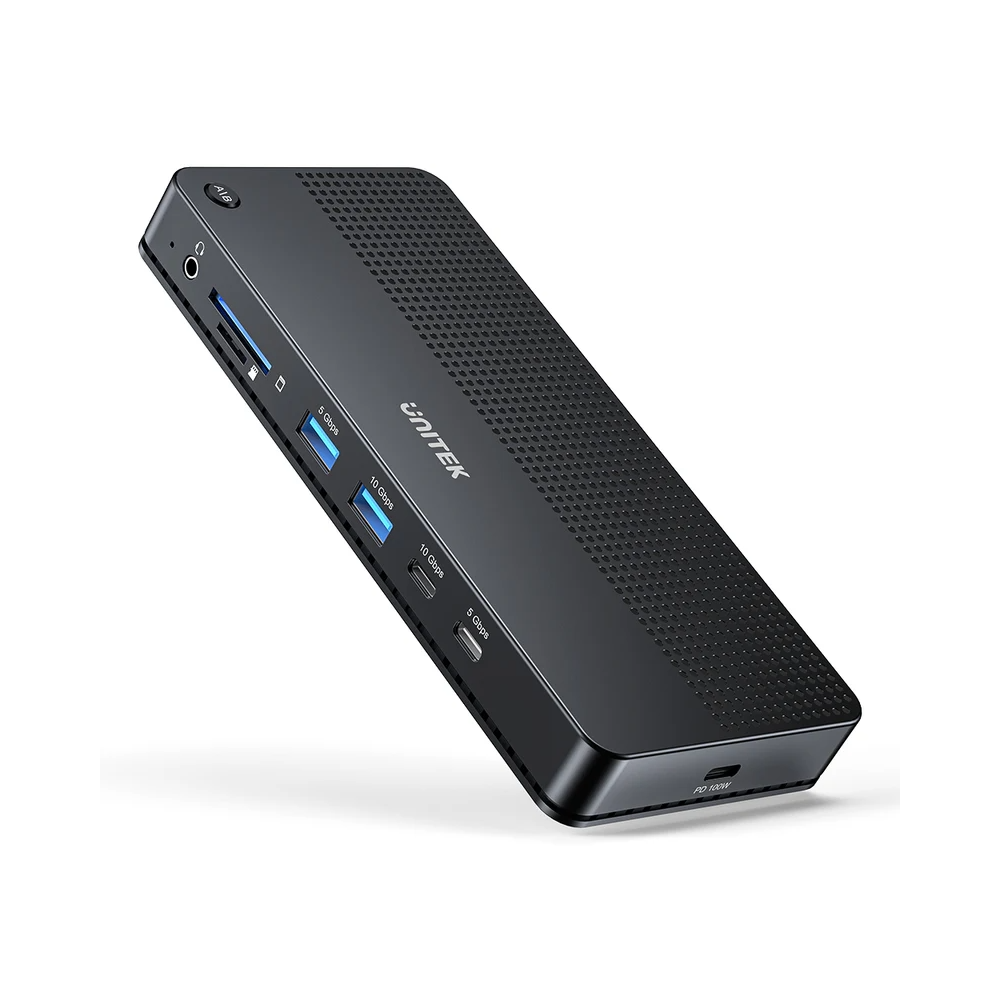
- Ultrafast Data Transfer: 2 USB 10Gbps Ports (1 USB-C and 1 USB-A) and 3 USB 5Gbps Ports (1USB-C and 2 USB-A), supports BC1.2 charging protocol, which makes it convenient for charging other devices.
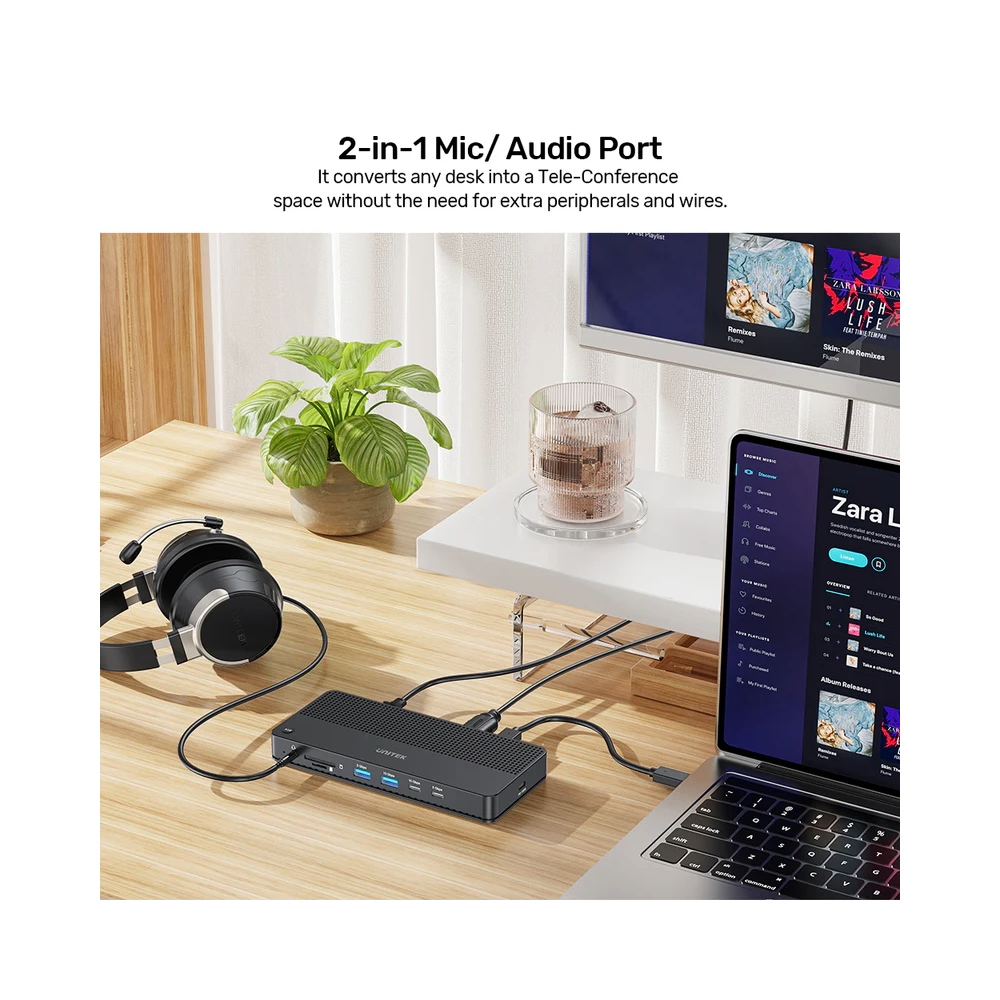
- All the Ports You Need: Built in SD and Micro SD 3.0 card slots, support 2 cards reading simultaneously. The two-in-one headphone and microphone port (3.5mm audio jack) saves desktop space and provides High-Quality Audio sound experience.
- Fast Charge Supported: Capable of charging your devices with Power Delivery up to 100W.
- High-Speed & Stable Ethernet: The KVM Docking Station features an RJ-45 Gigabit Ethernet port that adapts to 10Mbps/ 100Mbps/ 1000Mbps.


Reviews
There are no reviews yet.